Add/Remove home page section
If your home page is not set up, see this tutorial on home page setup.
Go to Dashboard >> Appearance >> Customize >> Home page sections.
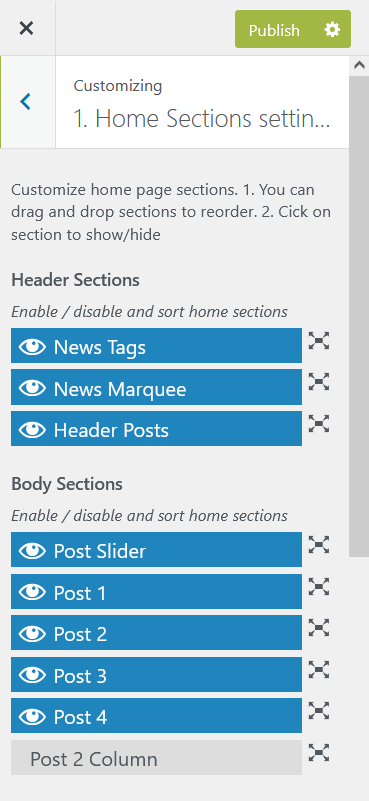
You can enable/disable by clicking on top of each sections.
Also, you can order sections by dragging items over each others.
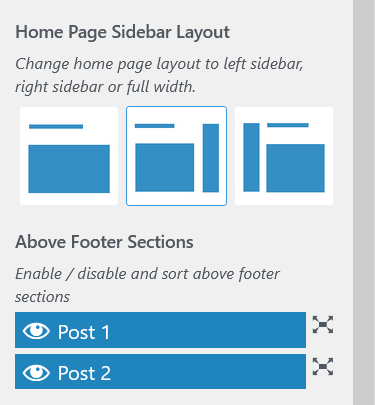
Also, you can change sidebar layout.